Initial Configuration
After the reboot the initial configuration page will be displayed.
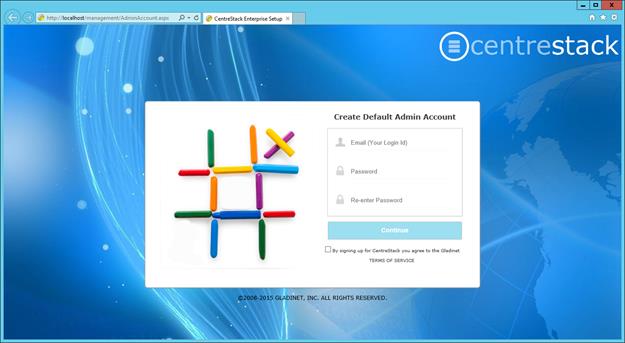
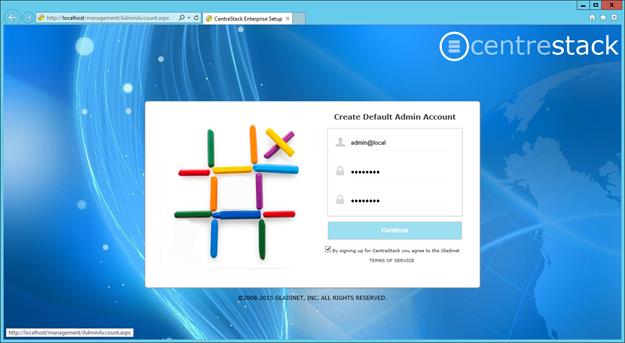
Here, you will setup the master administrator’s account first.
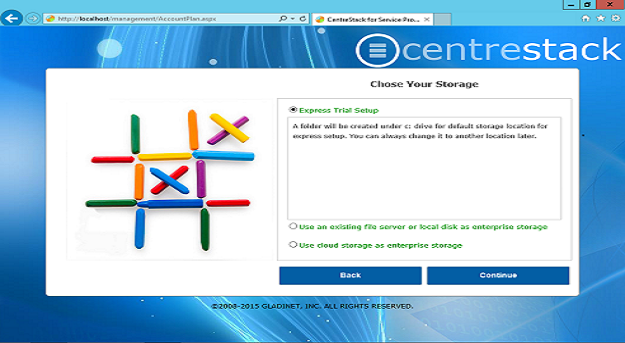
Next Screen is to choose one of the setup options. Express setup is to setup a quick trial where a folder called CentreStack will be created under C: drive for default storage location. The default storage location can be changed to another location later.
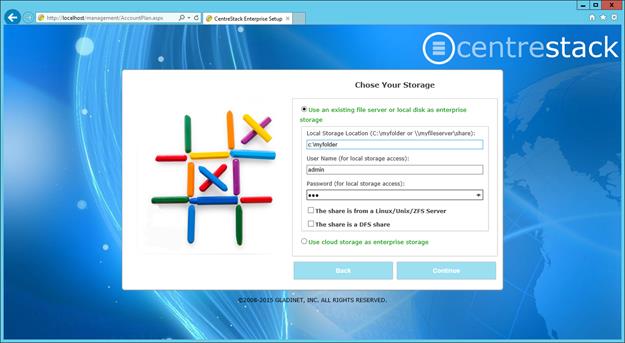
Another setup option is to use an existing file server or local disk as an enterprise storage. When you choose this option, the screen that is displayed is to setup the storage location for the default admin. You will use a service account (can’t change password, account never expires) to connect to your file server storage. Since most companies have password policy to expire password in 90 days, it is recommended to use a service account here so the password does not expire after 90 days.
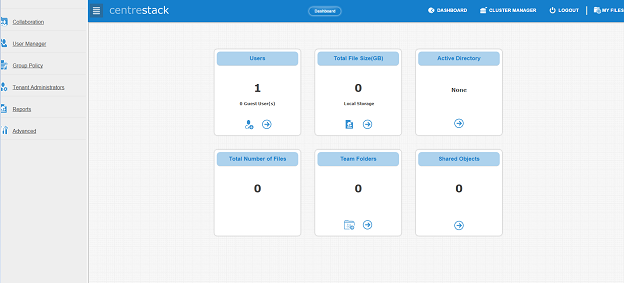
After that, the default admin’s account is ready. And the page that shows up is the “Dashboard”.
The third setup option is to use cloud storage as the enterprise storage. You can choose any cloud storage service that is listed in the drop down list when you select the third setup option.