Upgrade
There are also two options to upgrade to a later build.
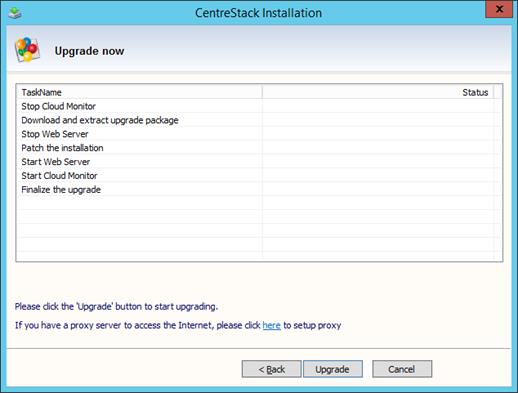
The first option is the same as the GUI installer. You can always run the GUI installer and the installer will detect the existing installation and perform an upgrade.
Option #1 – GUI Installer for Upgrade
Option #2 – Command Line Upgrade
The second option is also the script way of performing upgrade. You will receive a zip file from Gladinet, which contains updated binaries for c:program files (x86)CentreStack folder.

Step 1 – Unzip the Folder
Unzip the folder to a location, such as on node1 under c:upgradeNNN
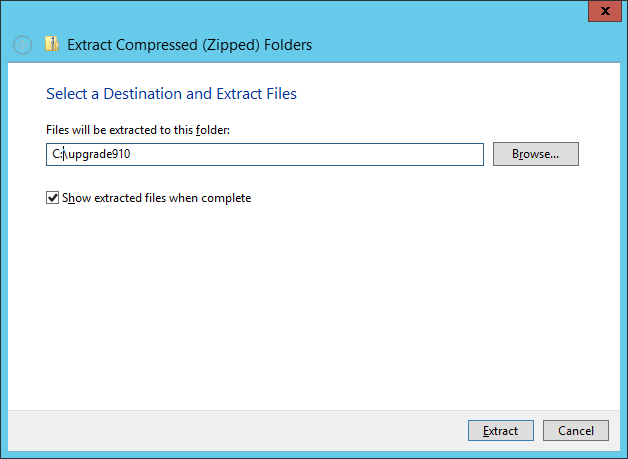
After unzipping, it looks like this:
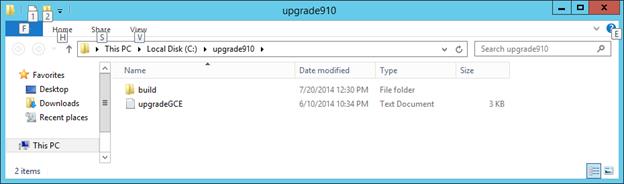
Step 2 – Copy files over to the Program Files.
When you compare the folder structure of the zipped folder, you will see it mirrors the existing folder structure for c:program files (x86)CentreStack. We will copy it over.
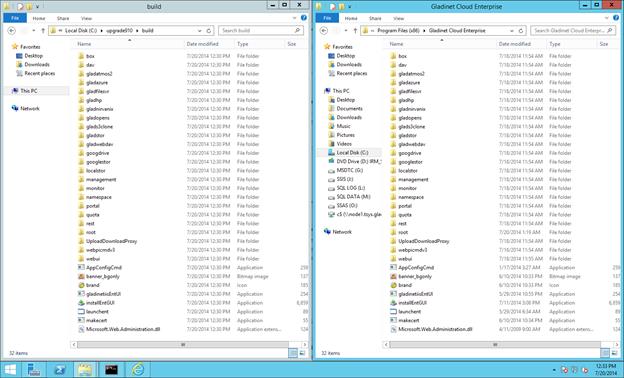
Before you copy it over, we need to stop two services.
sc stop gcmon
iisreset /stop
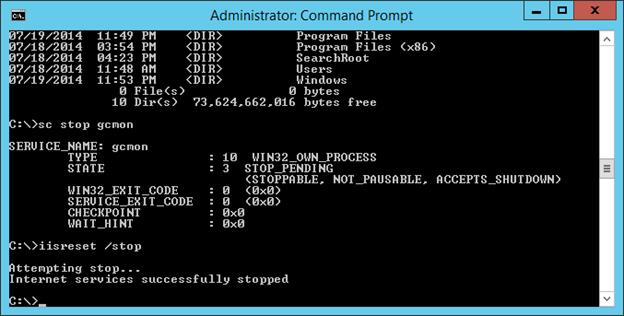
Now you can copy the files over, over writing existing binary files.
After you are done copying, you can re-start the services.
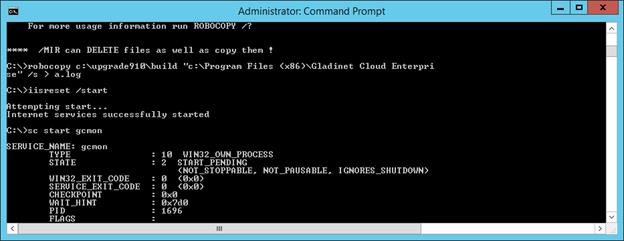
sc start gcmon
iisreset /start